WordPress taxonomies are ways of grouping or categorising posts. The default WordPress taxonomies are categories and tags.
Categories are hierarchical and can be nested into sub-categories. Tags on the other hand are standalone groupings that are specific. Tags have no hierarchy.
Archives
To show posts under a certain category, tag or author WordPress uses archive pages. Archive pages list all posts under a particular group (taxonomy) like categories or tags.
In addition, archive pages can also show posts under a certain author, date, or custom taxonomy.
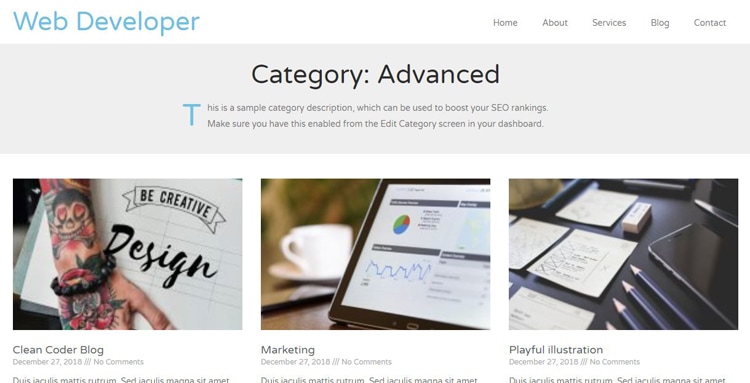
The archive.php file
WordPress uses the archive.php template file to display the archive posts. This file is located in the root folder of your theme. Some themes may not have it and have standalone archive template files for categories, tags, authors, dates, or custom taxonomy.
The archive.php is the default fallback if there are no other custom archive template files.
Category archives
Category archives show posts under a certain category. The category.php template file is used for a custom display. If there’s no category.php file the archive.php is used instead to display the posts.
The default URL slug for category archives is: http://yoursite.co/category/category-name
Template file: category.php
Fallback: archives.php
URL slug: http://yoursite.co/tag/tag-name
Tags archive
Tag archives display posts under a particular tag.
Template file: tags.php
Fallback: archives.php
URL slug: http://yoursite.co/tag/tag-name
Author archive
Displays posts under a certain author
Template file: author.php
Fallback: archive.php
URL slug: http://yoursite.co/author/author-name
Date archives
Displays posts under a certain date
Template file: date.php
Fallback: archive.php
URL : http://yoursite.co/2024
